
Did you know TikTok boasts around 1.6 billion monthly users in early 2026? YouTube draws even more, with 2.6 billion people logging in each month. Social media connects billions worldwide. You can chat with friends, share your drawings or dance moves, and spot the latest trends from home.
Maybe you’ve seen classmates post fun videos. Or perhaps family shares photos on Facebook. These apps make it simple to join in. They help you build hobbies and make new pals. But if you’re new, it feels big. Don’t worry. This guide walks you through everything step by step.
You’ll pick the right app, sign up fast, set a cool profile, and stay safe. All platforms require you to be at least 13 years old because of U.S. rules like COPPA. Parents can help check that. Ready to start? First, choose a platform that fits what you like.
Pick the Best Platform to Match Your Interests
Start with your hobbies. Do you snap photos of your dog? Love quick dance clips? Platforms match different styles. In 2026, top ones draw huge crowds. For example, Sprout Social outlines key networks based on user time spent.
Pick one or two to begin. That keeps it simple. Overloading leads to burnout. Focus on fun feeds and easy shares. Teens often pick apps with creative tools. Check age rules first, always 13 or older.
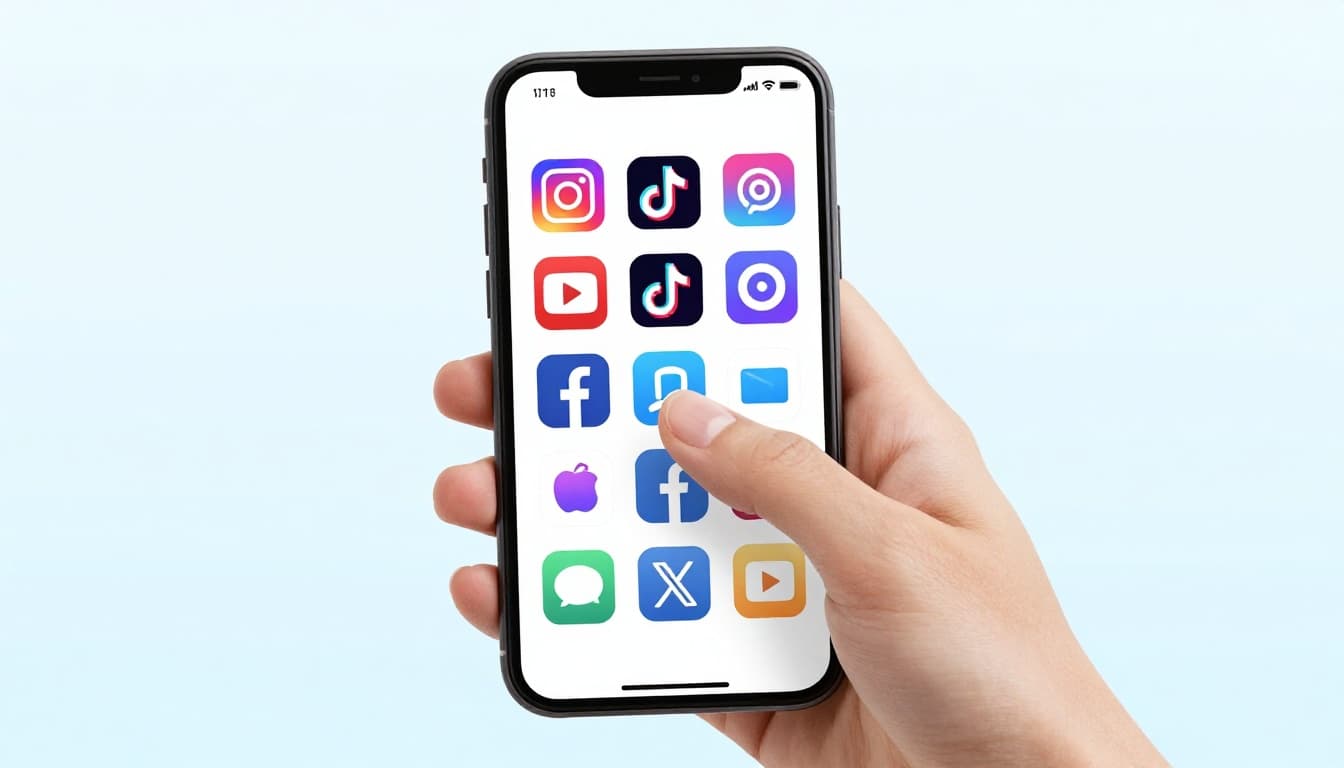
Apps shine for beginners because they load fast on phones. Download from your app store. Many offer kid-friendly vibes with trends and challenges.
Instagram: Perfect for Photos and Reels
Instagram suits visual fans. It has 2.4 billion users monthly. Share stories that vanish in 24 hours. Post reels, short fun videos. Teens love it for daily life snaps.
Great for hobbies like fashion or food pics. The app feels clean. Feeds show what friends post. You control who follows. Enter your birthday during setup to confirm 13-plus age. Sign-up details come next.
TikTok: Dive into Viral Videos
TikTok explodes with short clips. Around 1.8 billion users scroll daily. Create dances, jokes, or pet tricks. Duets let you join others’ videos.
Gen Z flocks here for trends. It’s creative and quick. No fancy gear needed, just your phone. Again, 13-plus only. Effects and music make it addictive. Love music? Start here.
YouTube or Facebook: For Longer Shares and Connections
YouTube pulls 2.6 billion for tutorials and vlogs. Post longer videos on gaming or crafts. Watch others too. Facebook connects family, with 3.1 billion users. Share updates and join groups.
YouTube fits hobby deep dives. Facebook builds real ties. Both offer chats. Pick based on share length. Beginners enjoy endless content.
Follow These Easy Steps to Sign Up Anywhere
Signing up takes under five minutes. All apps follow similar paths in 2026. No big changes reported. Download the app first. Use iPhone or Android store.
Tap sign-up button. Enter email or phone. Add birthday to prove age. Verify with a code. Choose username and password. Real names stay optional. Parents, note logins.
Follow these steps for any platform:
- Search app store for the name.
- Install and open.
- Hit “Sign Up” or “Create Account.”
- Pick email, phone, or link Google/Apple.
- Type birthday (month, day, year).
- Get code via text or email; enter it.
- Set username and strong password.
Quick and painless. Now, specifics for popular ones.
Sign Up on Instagram Step by Step
Open Instagram app. Tap your profile icon bottom right. Choose “Sign Up.” Enter email or phone number. Or link Facebook.
Add full birthday. Pick username like CoolArtKid123. Create password with numbers and letters. Verify via code sent to phone or email. Add profile pic later. Device checks age too. Done in two minutes.
Create a TikTok Account Fast
Launch TikTok. Tap profile bottom right, then “Sign Up.” Use email, phone, Google, or Apple ID.
Enter birthday. TikTok sends verification code. Set username and password. Skip contacts sync if unsure. SMS or email confirms. Age lock at 13-plus. Start scrolling feeds right away.
Quick Start on Facebook or X
For Facebook, open app or site. Tap “Create New Account.” Add name, email or phone, birthday, gender. Set password. Confirm via code.
X works similar. Tap “Sign Up.” Enter email or phone. Add birthday. Verify code. Choose username like @FunFactsDaily. Both enforce 13-plus. Facebook suits groups; X for fast thoughts.
Build a Profile That Feels Like You
New account? Customize now. Make it yours without oversharing. Fun usernames stand out. Photos add personality. Bios tell your story short.
Skip full real name if possible. Use hobbies instead. Strong passwords protect you. Platforms like these let creativity shine. Link privacy settings after.
Choose a Smart Username and Photo
Usernames must be unique. Try hobbies plus numbers, like SoccerFan2026. Check availability in-app. Avoid school or address.
Photos work best simple. Use a smiling selfie outside. Or pick cartoon avatar. No home backgrounds. Crop tight. Change anytime.
Write a Bio That Grabs Attention
Bios limit to 150 characters. Add interests: “Soccer lover, dog mom, 13+. Let’s chat trends! ⚽🐶” Emojis pop.
Instagram favors visuals. TikTok adds music taste. Facebook keeps it family-focused. Example: “New to reels. Share dance tips? DM open!” Practice a few. Test what fits.
Lock Down Your Privacy and Stay Safe from Day One
Safety first, always. Set private mode so only friends see posts. Turn on two-factor authentication. Use fake names if needed. Never share home address or school.
Block weirdos quick. Report bullies. Platforms spot scams. In 2026, private helps most. Tell parents your setup. Check this parent safety guide for extras.
Post to close friends first. Review settings weekly.
Switch to Private Mode Immediately
Instagram: Profile > three lines > Settings > Privacy > Account Privacy > toggle Private.
TikTok: Profile > three lines > Privacy > Private Account.
Facebook: Menu > Settings > Privacy > Who can see posts? > Friends only.
This controls viewers. Strangers can’t peek. Approve followers yourself.
For more, see Instagram’s step-by-step privacy tweaks.
Set Up Two-Factor Authentication
Go to settings > Security > Two-Factor. Use app like Google Authenticator. It sends codes.
Skip SMS if you can; apps block hackers better. Enter code each login. Extra safe layer.
Avoid These Common Beginner Mistakes
Don’t friend every stranger. Pick known pals only.
Skip location tags or full addresses.
Ignore odd links; they steal info.
Instead, chat public first. Block and report fast.
Ready to Post Your First Update?
You picked a platform, signed up smooth, built a fun profile, and locked it safe. Now breathe easy. Social media opens doors to friends and fun.
Try your first post today. Share a hobby snap with friends only. Follow family or idols next.
Download that app now. What platform calls to you? Drop thoughts in comments. You’ve got this. Keep learning as you go. Subscribe for more beginner tips.
(Word count: 1492)